audio stream sound mixer
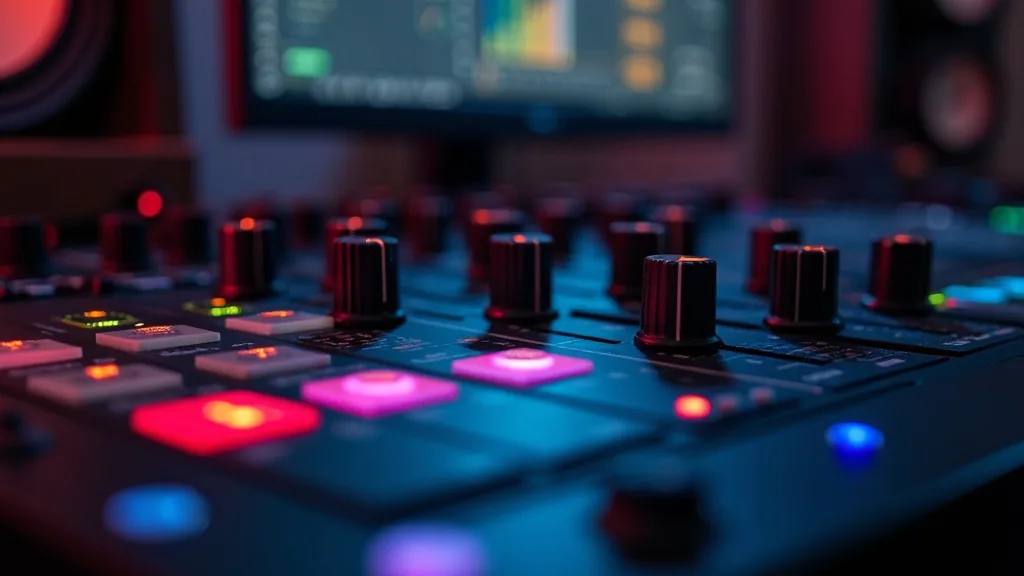
An audio stream sound mixer is what separates a broadcast that sounds polished from one that sounds like a gaming PC with a webcam mic. It routes your microphone, game audio, Discord, music, and alerts into separate channels you balance in real time before your encoder captures any of it. Without one, OBS receives a single blended stereo bus from Windows. You can't lower your game without pulling your mic down with it. Your viewers hear whatever Windows decides, and you have no live way to fix it mid-broadcast.
This guide covers exactly what a streaming mixer does inside your signal chain, which hardware units are worth buying at $180, $250, and $699, how to configure Voicemeeter Banana as a free software alternative, and the dBFS targets per source that separate polished streams from rough-sounding ones. Every recommendation comes from hands-on testing with real streaming setups.
What a streaming sound mixer actually does to your signal chain
Every sound your viewers hear follows a fixed path: source app, operating system, encoder, stream. A mixer inserts itself between the OS and the encoder. It breaks the single blended output into separate channels you control independently, in real time, without interrupting the broadcast.
Without a mixer, OBS sees one stereo bus. Muting Discord mutes your mic at the same time. Raising game audio raises everything at once. You're adjusting percentages of a single lump rather than individual sources. That's the core problem a streaming mixer solves.
Hardware mixers are physical units with knobs and faders. They sit between your sources and your PC, send one USB audio signal to OBS, and add zero CPU load to your system. Software mixers like Voicemeeter Banana run on your PC using virtual audio devices, routing each app to a named channel you balance inside a software interface.
The practical difference comes down to reaction time. Reaching a physical fader mid-match takes roughly half a second. Clicking through software windows takes five to ten. Across three-hour sessions, that gap adds up fast.
The dBFS target levels that make a stream sound professional
Before you buy or install anything, know what you're aiming for. Your microphone should peak between -12 dBFS and -6 dBFS. Game audio sits around -18 dBFS to -15 dBFS. Background music rests at -25 dBFS to -22 dBFS. Discord chat lands around -15 dBFS. Alerts hit no louder than -10 dBFS so they cut through without blowing out the mix.
The roughly 6 dB gap between your mic and game audio is what makes your voice feel present and clear without sounding artificially boosted. Most streaming mixers show you these levels on built-in meters. Use them from day one, not after complaints pile up in chat.
Hardware mixer vs software mixer: which fits your setup
Hardware wins when you're streaming 15 or more hours per week and want zero software conflicts. One USB cable, one audio device in OBS, done. Software wins when your budget is under $50 or you're still building your rig. Voicemeeter Banana is free, creates 3 virtual inputs and 2 virtual outputs, and routes everything without driver conflicts. Budget 45 minutes on the first install. That's a fair trade before committing to hardware spend.
Best dedicated streaming mixers for live broadcast audio
Not every analog mixer works for streaming. You need 3 specific features: a USB class-compliant output so OBS recognizes the device without custom drivers, a loopback function that feeds your PC's playback audio back into the hardware mix, and low-noise preamps that don't introduce audible hiss. Every unit below meets all three requirements.
Yamaha AG06 MK2 (around $180)
The AG06 MK2 gives you 6 channels with 48V phantom power on channels 1 and 2 for condenser microphones. Its preamps measure under -128 dBu equivalent input noise, which is quiet enough for any dynamic or condenser mic in a home studio. The loopback button routes your PC's playback audio into the mix at the hardware level, so OBS captures everything through one USB connection. No virtual routing software required.
It's the most practical entry point for a dedicated streaming mixer. You get real faders, a headphone output with its own volume knob, and a clean USB audio interface all in one unit. At $180, it doesn't need much justification.
GoXLR Mini (around $250)
The GoXLR Mini is built for streamers, not studio engineers. It ships with 4 motorized faders pre-mapped to mic, game, chat, and music. A separate master fader controls your stream output independently from your headphone monitor mix. That means you can push Discord loud in your ears without broadcasting it loud to your viewers. Those are two genuinely different mixes running at the same time.
It integrates directly with OBS and XSplit. The companion app handles per-channel EQ and compression without a single third-party plugin. If you want tactile fader control without committing to a full studio mixer, this is where most dedicated streamers land.
Rode Rodecaster Pro II (around $699)
The Rodecaster Pro II handles 4 XLR inputs simultaneously with onboard compression, EQ, and a noise gate per channel baked into the hardware. You configure your mic processing once at setup and stop thinking about it mid-stream. Eight programmable sound pads trigger alerts or audio clips at a fixed level you set in advance, so stingers never blow out your mix unexpectedly.
At $699 it sits at the top of this category. The meaningful trade-off it removes: you no longer need external audio plugins inside OBS, which simplifies your scene setup and frees CPU for your game. For full-time streamers broadcasting 25 or more hours per week, that simplification pays for itself in reduced troubleshooting time alone.
How to set up Voicemeeter Banana as your free OBS audio router
Voicemeeter Banana is the most reliable free software mixer for Windows-based streaming setups. One mental model makes the routing click immediately: inputs are what you push audio into, outputs are what you pull audio out of. Here's the exact process from a clean install.
Step 1: Assign your physical output device
Open Voicemeeter Banana and click "A1" in the Hardware Out section at the top right. Select your headphones or speakers. This becomes your personal monitor mix while streaming. Leave B1 unassigned for now. You'll route B1 to OBS in the next step so both outputs serve different purposes from the start.
Step 2: Route each application to a separate virtual input
In Windows Sound settings, right-click the speaker icon and open Volume Mixer. Set your game's output device to "Voicemeeter Input (VB-Audio)". Set Discord's output to "Voicemeeter Aux Input". Set your music player to Voicemeeter Input alongside your game, unless you want